
A how to guide

You have finished your section and are now scratching your head wondering what to do, well this might help.
You have four sections to complete your Award, these are Skills, Physical, volunteering and the expedition but how do you complete your section?
Once you have finished your section you need to make your assessor aware so that they can complete an online assessors report.
Your assessor needs to go to www.dofe.org/assessor/
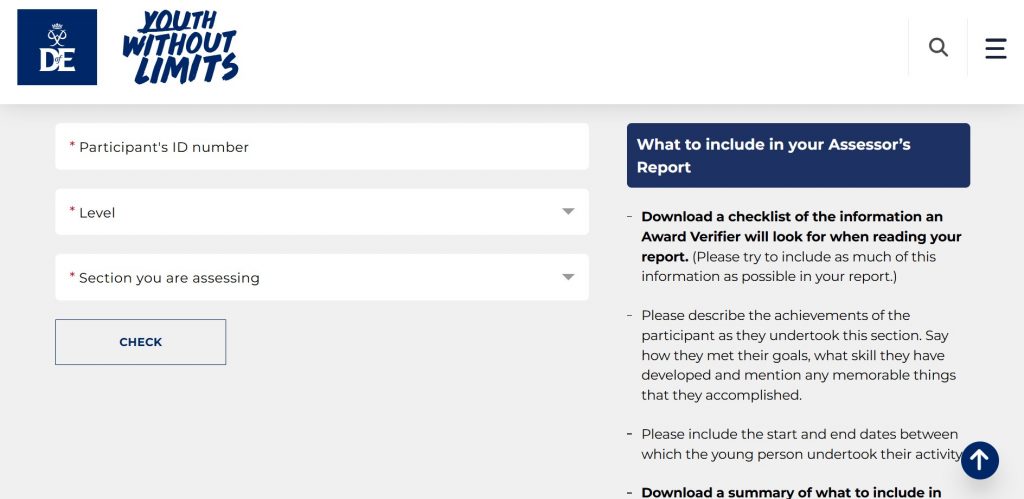
They will need your DofE ID number, The Section they are completing and the Award Level you are participating in.
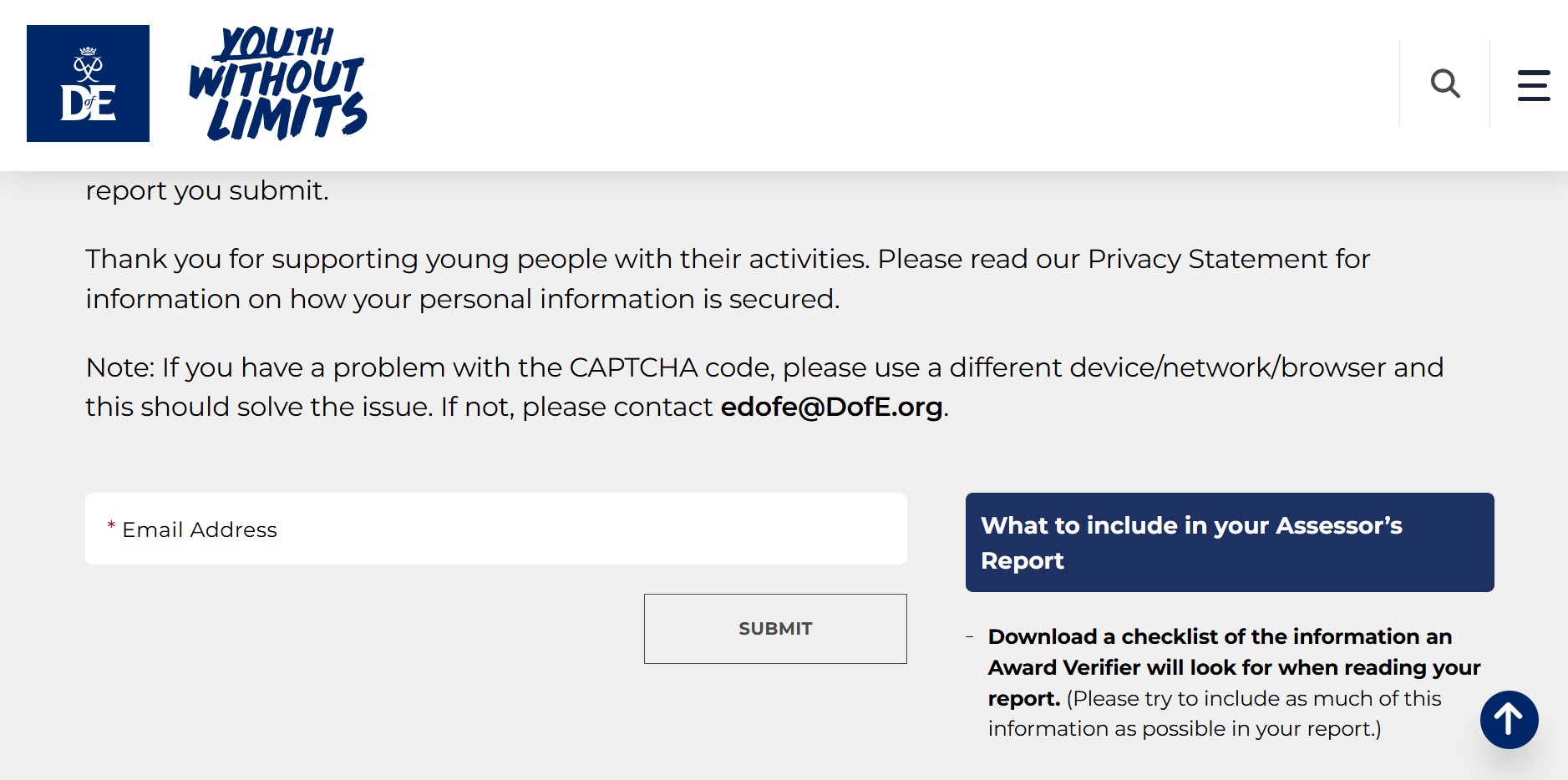
They need to add their email address and will receive a code via email to verify.
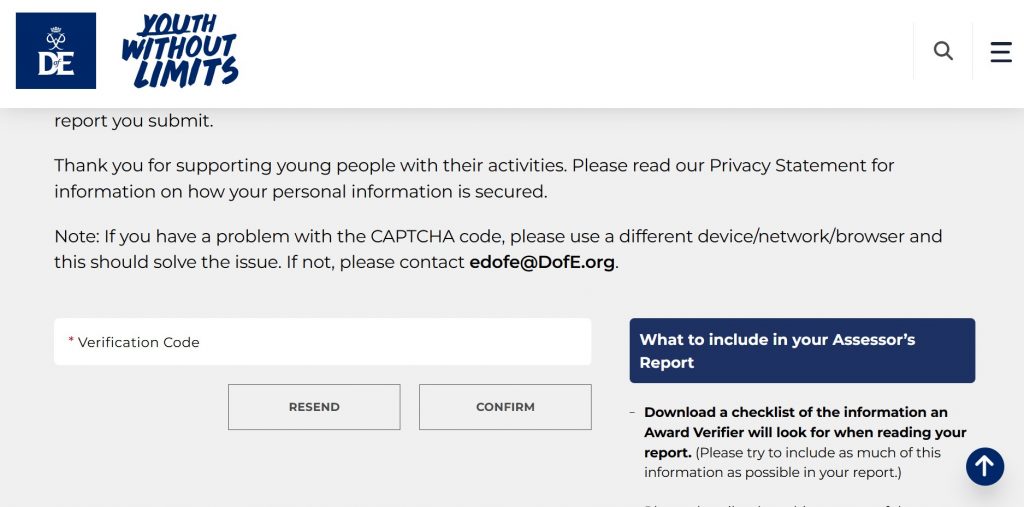
Once they have entered the Verification code, they will get the next screen where they input the Dofe Id, Section and Level.
Once they have filled in this section, they will get through to the final screen which they fill in all the information about your section.
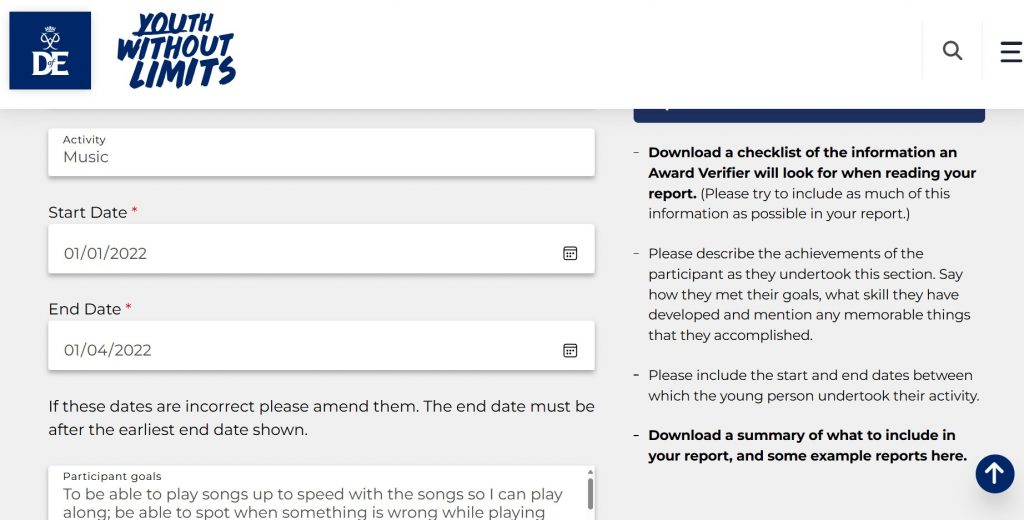
Once they have filled in the report and submitted it, it can take a few days to appear and be approved. Your assessors will also receive an email, which is a back-up. If required this can be emailed to a leader and they can add manually to your account.
Below are some frequently asked questions, the answers might help.
I can’t remember my eDofE log in information (Username/password).
Speak to your DofE Leader in the first instance who can provide you with your eDofE username.
For forgotten passwords, click the ‘Forgot your password’ button and you will be asked a security question.
One of my Assessors tells me he has provided an Assessor’s report via the website but I can’t see it in my eDofe account.
You won’t be able to see it in your account until your DofE Leader has approved it. Contact your Leader and ask them to check in their account if they have any Assessor reports awaiting approval. Once they have approved it you will be able to submit the whole section for approval.
The Assessor for my Physical section is unsure what to include in the Assessor report? What should he include?
Your Assessor report needs to clearly show what activity you have been doing, over what time frame but also how frequently you have attended. It should also include some information on the progress you have made in reference to your original aims, along with the signature of your Assessor and the date the report was written. It is strongly recommended the Assessor includes an email address or contact number in case your Leader has any questions.